


🪟 Lite Windows OS
✅ No Bloatware
⚡ Up to 5x Faster
🎮 Gaming Optimized
🚫 No Telemetry
🪟
Windows X-Lite
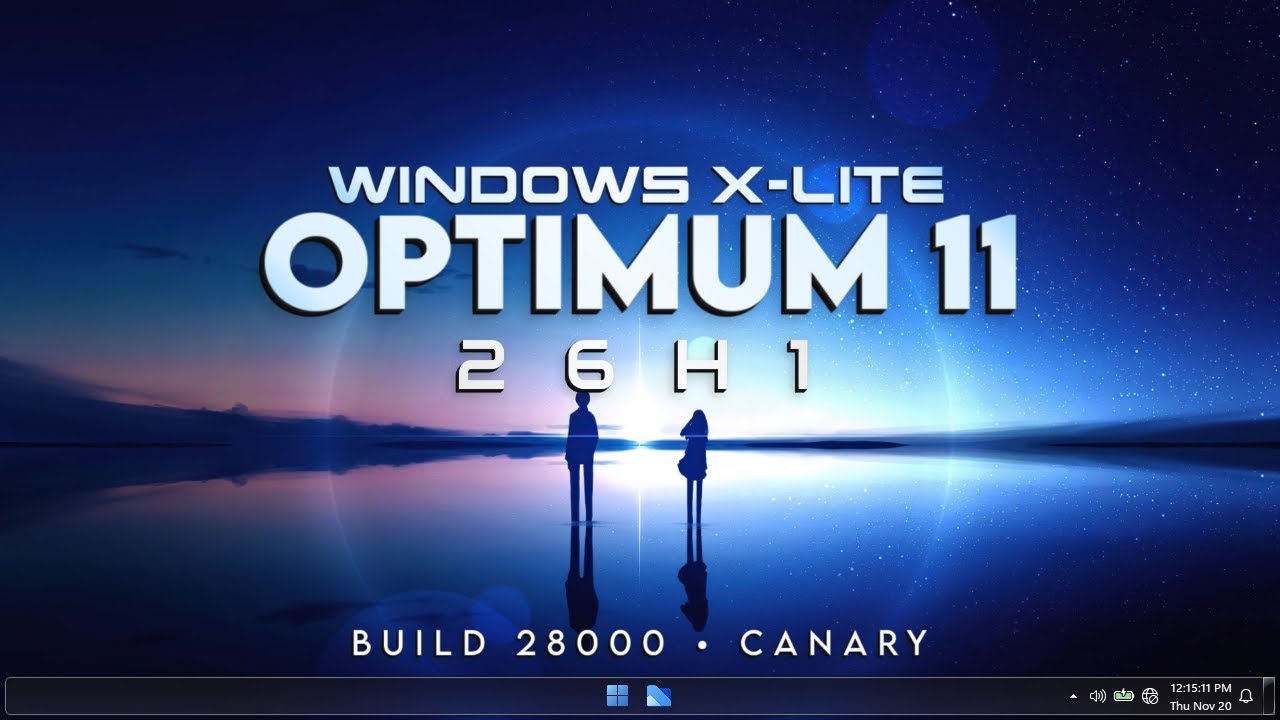
'Optimum 11' 25H2
'Optimum 11' 25H2
Build 26200 · ISO · Free Download
LIGHTWEIGHT
ACTIVATED
5x
Faster Boot
~4GB
RAM Usage
~8GB
ISO Size
0
Bloatware
🤔 What is Windows X-Lite Optimum 11 25H2?
Windows X-Lite 'Optimum 11' 25H2 is a heavily debloated, privacy-focused, and performance-optimized custom build of Windows 11 25H2, created by FBConan at WindowsXLite.com. It is designed to make your PC feel significantly faster, more responsive, and more private — whether you have a low-end or high-end system.
All unnecessary Microsoft bloatware has been stripped out — including Cortana, Microsoft Edge, OneDrive, Bing, Windows Copilot, Xbox Game Bar, Telemetry services, and more. The result is a clean, ultra-fast Windows 11 experience that boots faster, uses less RAM, and delivers higher FPS in games compared to the standard Windows 11 build.
✅ Pre-Activated: Windows X-Lite Optimum 11 25H2 comes fully activated out of the box — no product key or activation crack required.
💡 Who is this for? Gamers who want maximum FPS, low-end PC users who need better performance, privacy-conscious users who want zero Microsoft tracking, and anyone tired of Windows bloat slowing them down.
🗑️ What's Removed (Bloatware Gone!)
🚫 All items below have been completely removed from this build — resulting in a much faster, cleaner, and more private Windows 11 experience.
❌ Microsoft Edge Browser
❌ Cortana
❌ OneDrive
❌ Bing Search
❌ Windows Copilot (AI)
❌ Xbox Game Bar
❌ Telemetry & Tracking
❌ Microsoft Teams
❌ Clipchamp Video Editor
❌ Paint 3D / 3D Viewer
❌ Mixed Reality Portal
❌ Get Help / Tips App
❌ Microsoft News & Weather
❌ Power Automate
❌ Feedback Hub
❌ Unnecessary Background Services
⚡ Key Features
Up to 5x Faster Boot
Stripped-down services mean dramatically faster startup times compared to stock Windows 11
Higher Gaming FPS
Background processes eliminated — more CPU and RAM resources go directly to your games
Zero Telemetry
All Microsoft tracking, data collection, and analytics services have been permanently disabled
Lower RAM Usage
Idle RAM usage significantly reduced — runs comfortably on systems with as little as 4GB RAM
Pre-Activated
Fully activated out of the box — no product key, no KMS tool, no crack needed
Based on Windows 11 25H2
Built on the latest Windows 11 25H2 (Build 26200) — modern and fully compatible with apps
Less CPU & Thermal Load
Fewer background tasks = less CPU usage = cooler temperatures and better battery life on laptops
Windows Defender Kept
Security essentials are preserved — you still get antivirus protection without the bloat
🎯 Pro Tip: After installing X-Lite, install Google Chrome or Firefox as your browser since Edge is removed. Everything else works normally — your apps, games, and drivers install just like regular Windows 11.
💻 System Requirements
🖥️ Operating System
Minimum: Windows 11 Compatible
Recommended: Clean Fresh Install (USB)
⚡ Processor
Minimum: Dual Core 1.0 GHz (64-bit)
Recommended: Core i5 / Ryzen 5+
🧠 RAM
Minimum: 4 GB
Recommended: 8 GB or more
💾 Storage
Minimum: 20 GB Free Space
Recommended: SSD with 50+ GB
🎮 GPU
Minimum: DirectX 12 Compatible
Recommended: NVIDIA / AMD Dedicated GPU
🔧 TPM / Secure Boot
Required: NOT Required (Bypassed)
Works On: Old PCs Without TPM 2.0
✅ No TPM 2.0 Required! Windows X-Lite Optimum 11 25H2 bypasses the standard Windows 11 TPM and Secure Boot requirements — meaning it installs and runs perfectly on older PCs that cannot officially upgrade to Windows 11.
📥 Installation Guide
⚠️ Important: Installing X-Lite will format your drive. Backup all your important files before proceeding. You will need a USB drive of at least 16GB.
1
Download the ISO File
Download the Windows X-Lite Optimum 11 25H2 ISO from Server 1 or Server 2 below. The file size is approximately 8GB — be patient during the download.
2
Download Rufus
Download Rufus (free tool) from rufus.ie — this is used to write the ISO onto your USB drive. A USB drive of at least 16GB is required.
3
Create Bootable USB
Open Rufus → Select your USB drive → Click SELECT and choose the downloaded ISO file → Partition scheme: GPT (for UEFI) or MBR (for old BIOS) → Click START.
4
Boot from USB
Restart your PC → Press F12 / F8 / ESC / Delete (depends on your PC brand) to open Boot Menu → Select your USB drive → Press Enter.
5
Install Windows X-Lite
Follow the on-screen Windows Setup steps → Choose your language → Select the drive to install on → Click Next and wait for installation to complete. The PC will restart automatically.
6
Setup & Enjoy
Complete the initial Windows setup (username, region, etc.) → Skip Microsoft account login if prompted → Windows will be pre-activated automatically. Install your apps and enjoy the speed! 🚀
⚖️ X-Lite Optimum 11 vs Other Windows Builds
| Feature | X-Lite Optimum 11 | Stock Win 11 | Ghost Spectre | Tiny11 |
|---|---|---|---|---|
| Bloatware Removed | ✅ Maximum | ❌ Full Bloat | ✅ Maximum | ⚡ Moderate |
| Pre-Activated | ✅ Yes | ❌ No | ✅ Yes | ❌ No |
| TPM Bypass | ✅ Yes | ❌ Required | ✅ Yes | ✅ Yes |
| Windows Defender | ✅ Kept | ✅ Kept | ❌ Removed | ✅ Kept |
| Telemetry / Tracking | ✅ Disabled | ❌ Always On | ✅ Disabled | ⚡ Partial |
| Gaming Performance | ✅ Excellent | ⚡ Standard | ✅ Excellent | ⚡ Good |
| Based on | Win 11 25H2 | Win 11 25H2 | Win 11 24H2 | Win 11 23H2 |
📥 Download Windows X-Lite Optimum 11 25H2
ISO File · Pre-Activated · No TPM Required · Free Download
📋 Software Information
| OS Name | Windows X-Lite 'Optimum 11' 25H2 |
| Base OS | Windows 11 25H2 (Build 26200) |
| Developer | FBConan — WindowsXLite.com |
| Category | Lightweight Custom Windows Build |
| Architecture | 64-bit Only (x64) |
| Activation | Pre-Activated — No Key Required |
| TPM 2.0 Required | No — Bypassed (Works on Old PCs) |
| Secure Boot Required | No — Not Required |
| Minimum RAM | 4 GB (8 GB Recommended) |
| File Format | ISO (use Rufus to create bootable USB) |
| Windows Defender | Included and Active |
| Edge / OneDrive / Cortana | Removed Completely |
| Telemetry | Fully Disabled |
| File Password | Not Required |
❓ Frequently Asked Questions
Will Windows X-Lite work on my old PC without TPM 2.0?
Yes! One of the biggest advantages of Windows X-Lite Optimum 11 is that the TPM 2.0 and Secure Boot requirements are completely bypassed. It will install and run perfectly on older PCs that cannot officially run Windows 11.
Is this version activated? Do I need a product key?
Windows X-Lite Optimum 11 25H2 comes pre-activated out of the box. You do not need a product key, a KMS activator, or any other activation tool. Simply install and use it — activation is already done.
Can I still install my regular apps like Chrome, VLC, or Steam?
Absolutely! X-Lite only removes Microsoft bloatware — it does not affect your ability to install third-party apps. Chrome, Firefox, Steam, Discord, VLC, and all your favorite software will install and run perfectly.
Will I get Windows Updates on X-Lite?
Windows Update behavior may vary depending on the specific X-Lite build version. Some builds have Windows Update functional, others may have it disabled for stability. It is generally recommended to keep the OS stable without forcing updates on a custom build.
How much faster is X-Lite compared to standard Windows 11?
Users typically report up to 5x faster boot times, noticeably higher in-game FPS, and significantly lower idle RAM usage. The difference is especially dramatic on older or low-end systems where standard Windows 11 feels sluggish.
🔍 Related Searches
Windows X-Lite Download
Optimum 11 25H2 ISO
Windows X-Lite Optimum 11 Free
Lightweight Windows 11 ISO
Windows 11 No Bloatware
Windows 11 For Low End PC
Windows X-Lite 25H2 Gaming
Windows 11 No TPM ISO
FBConan Windows Build
X-Lite Optimum 11 Pre-Activated
Windows 11 Debloated ISO 2025
Fastest Windows 11 Build 2025
Windows X-Lite vs Ghost Spectre
Windows 11 25H2 Lite ISO
Windows X-Lite TECH Decode
Best Lite Windows 11 2025
⚠ Disclaimer: TECH Decode does not host any files on its own servers. All download links redirect to third-party hosting platforms. Windows X-Lite 'Optimum 11' 25H2 is a custom build created by FBConan at WindowsXLite.com. Windows 11 is a registered trademark of Microsoft Corporation. This post is provided for educational and informational purposes only. Use at your own discretion.


.jpg)


0 Comments